Types of Notifications and Delivery Methods
Last modified:
What benefits do customer notifications bring to a business?
Notifications help automate communication with clients and directly impact revenue and loyalty:
- Reduce the number of no-shows and delays – remind clients about their appointment;
- Increase client retention – invite clients for a repeat visit;
- Increase revenue and reduce losses – a client who forgets about an appointment = lost profit;
- Increase client loyalty – notifications about bonus accruals effectively improve client loyalty;
- Improve the company’s rating – collect reviews that attract new clients;
- Automate routine processes – free up time for work and development.
Notification delivery channels
Several notification delivery methods are available in DIKIDI. You can use one or combine multiple channels.
Push-notifications
Push is a completely free channel in DIKIDI. Notifications are sent via the DIKIDI Online client app automatically and by default:
– one day before the appointment;
– one hour before the appointment.
No additional setup is required.
Important! For a client to receive push notifications, they must have the DIKIDI Online app installed. Read more about DIKIDI Online in the article 📖 Benefits of Placement Your Project in DIKIDI Online Catalog
Telegram, WhatsApp
The most popular messengers suitable for convenient communication with customers.
Advantages and features:
- Ability to receive feedback and appointment confirmation from the client;
- Unlimited number of characters in a message;
- Very cost-effective when sending a large number of messages.
You can read more about setup in the corresponding articles:
🔵 Notifications to Customers via WhatsApp;
🟢 Notifications to Customers via Telegram.
SMS
Advantages and features:
- Do not require internet access on the client’s phone;
- Do not get lost among a large number of messages and chats in messengers;
- Do not require app installation.
You pay only for actually sent messages. No subscription is required.
More details on setup – in the article 📖 How to Set Up Notifications for Customers.
Manual notifications
This is a semi-automatic format. DIKIDI generates the notification text automatically, and you send it manually from your phone number or messenger account.
This format helps save time on writing text and not forget to send the message on time.
More details on setup – in the article 📖 Manual sending of notifications.
Notification cost
The cost of notifications for each delivery channel can be viewed in the section "Settings" → “Notifications” → “Notification channels” or in the section "Plans".
What types of client notifications are available?
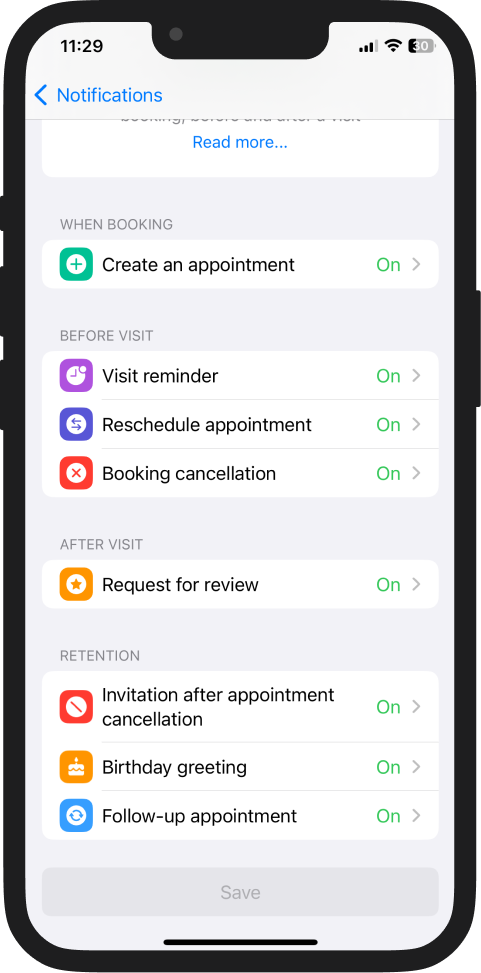
1️⃣ Appointment created;
2️⃣ Appointment reminder;
3️⃣ Appointment rescheduled;
4️⃣ Appointment canceled;
5️⃣ Review and tips request;
6️⃣ Invitation after appointment cancellation;
7️⃣ Birthday greeting;
8️⃣ Repeat visit invitation.
At the time of booking
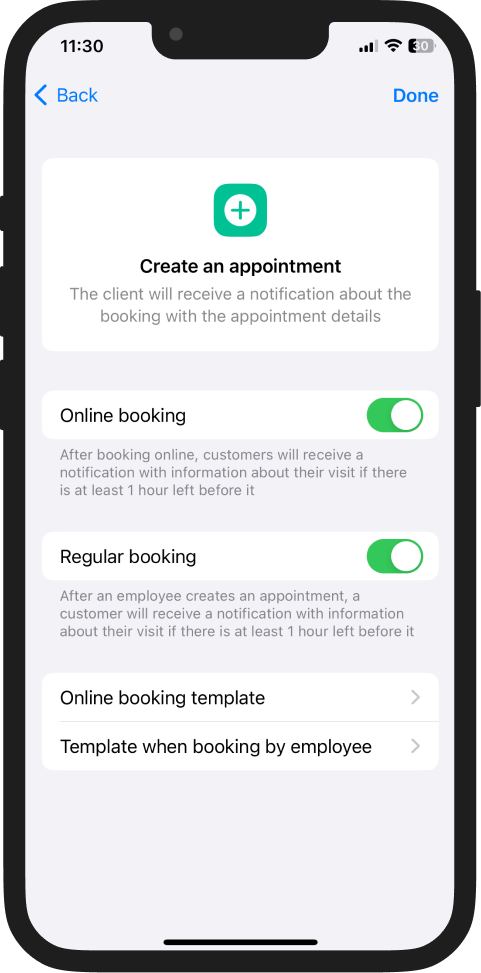
🔔 Appointment notification
Sent to the client immediately after booking. Contains information about the date, time, service, and specialist. Confirms that the appointment has been successfully created and reduces the risk of misunderstandings.
The same notifications can be set up for employees so that they instantly receive information about the creation, modification, or cancellation of appointments in their schedule.
More details 📖➡️ How to set up SMS/email notifications for employees.
Before the visit
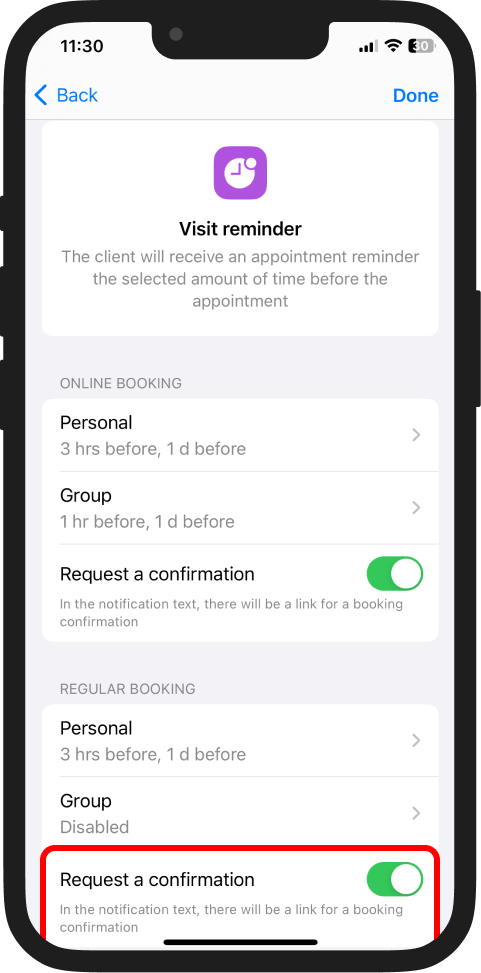
🔔 Appointment reminder
Sent at a selected time before the visit — for example, one day or several hours in advance. Helps reduce no-shows and delays. You can configure the sending time and the number of reminders.
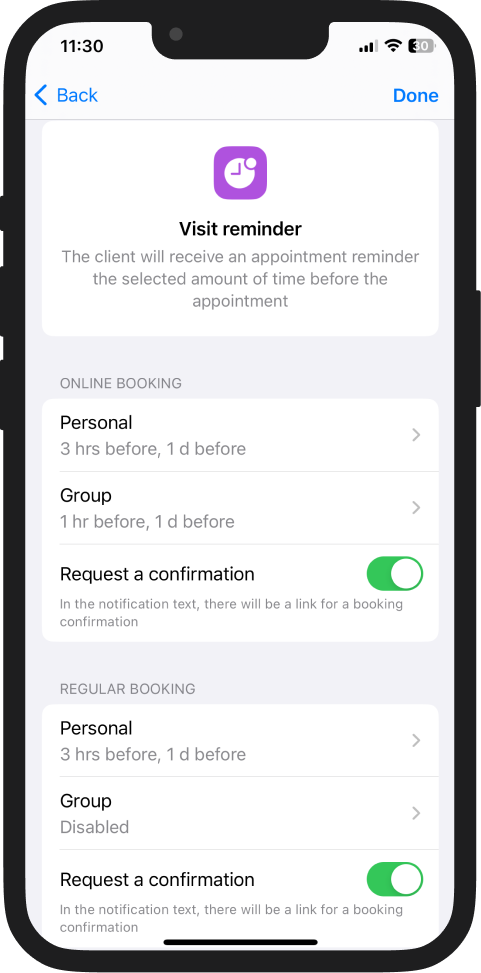
💡 Request appointment confirmation
You can add a link to confirm the appointment in the reminder. To do this, enable the "Request a confirmation" toggle in the settings.
More details 📖➡️ Automatic Visit Confirmation Request
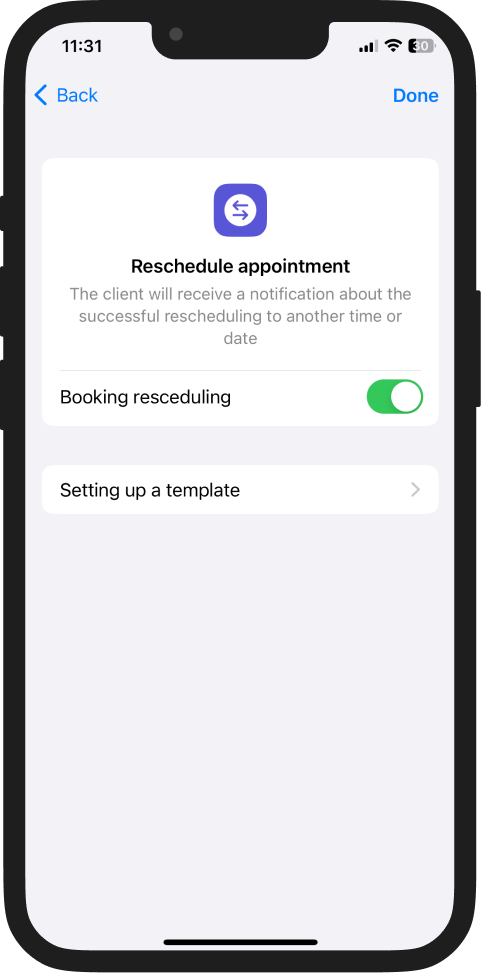
🔔 Rescheduled appointment
Sent to the client after a successful change of the appointment date or time. Provides updated information and helps avoid confusion.
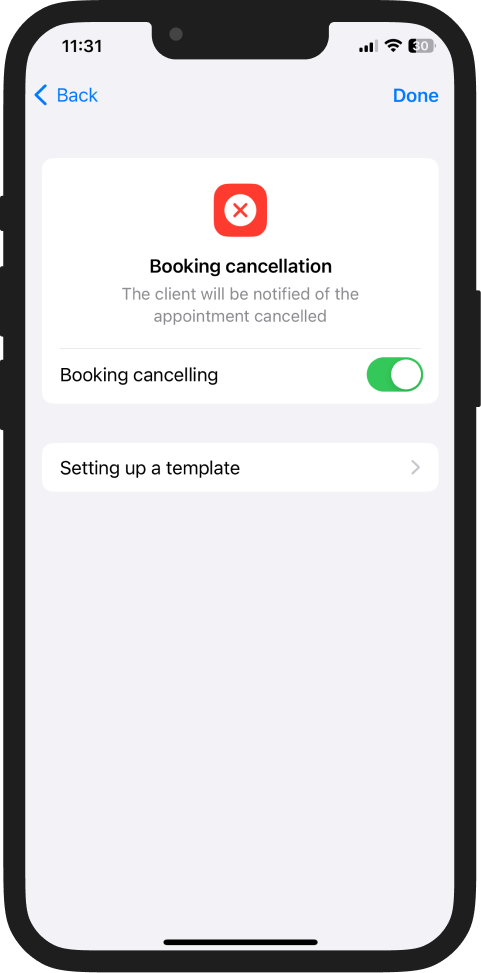
🔔 Booking cancellation
Informs the client about the successful cancellation of the booking.
After the visit
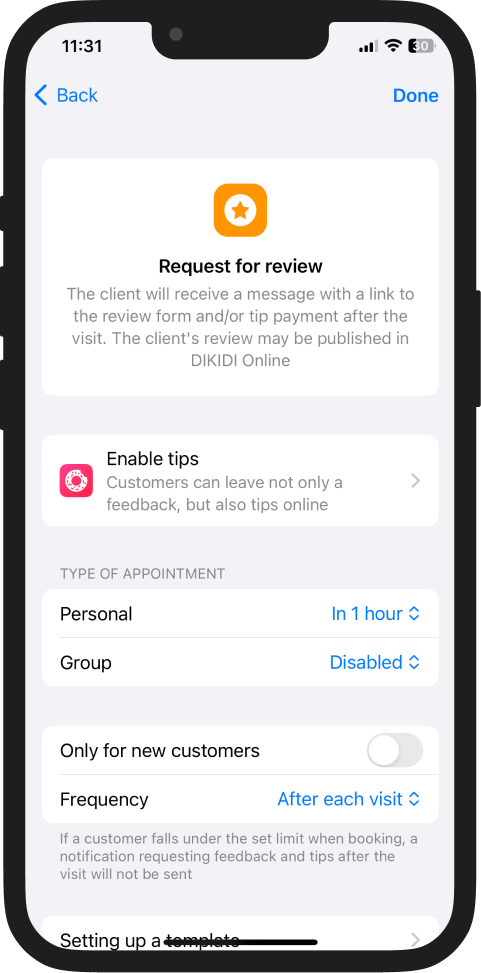
🔔 Review and tips request
Sent after the service is completed. The client receives a link to leave a review and can thank the specialist with tips.
Helps improve the company’s rating, attract new clients, and increase the number of reviews.
Retention
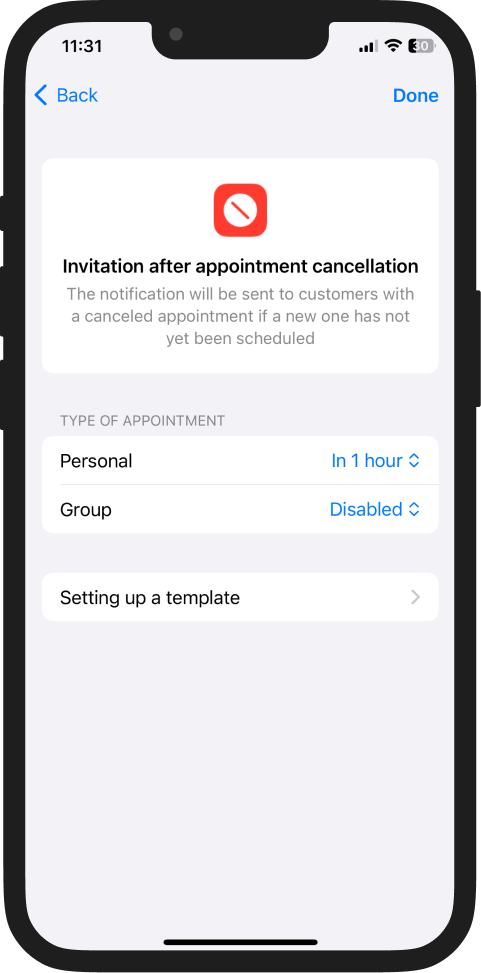
🔔 Invitation after appointment cancellation
If an appointment was canceled and the client did not rebook, the system will automatically send an invitation to return. This helps bring the client back and fill the freed time in the schedule.
⚠️ Important! For the invitation to be sent, the cancellation must occur before the appointment start time.
More details 📖➡️ Automatic Invitation After Appointment Cancellation
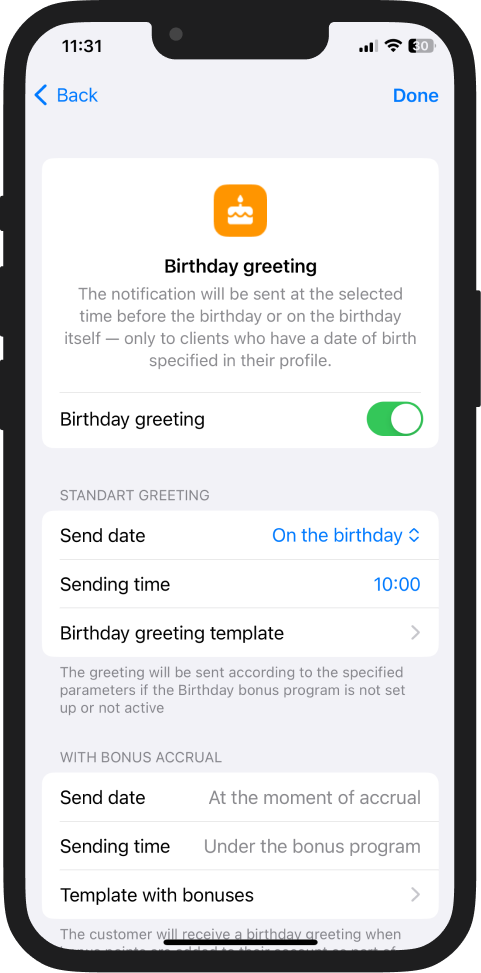
🔔 Birthday greeting
Automatically sent to the client on their birthday or a few days before. Helps increase loyalty and encourages repeat visits.
⚠️ Important! The greeting will be sent only to clients whose profile includes a date of birth.
If you have the PRO or VIP plan connected and a bonus program activated, you can add bonuses to customers for their birthday. Their amount can be automatically inserted into the message text using the variable "Amount of points".
⚠️ Important! If bonuses are used, the sending time of the greeting depends on the bonus program settings.
More details 📖➡️ Automatic Birthday Greeting Notification
🔔 Repeat visit invitation
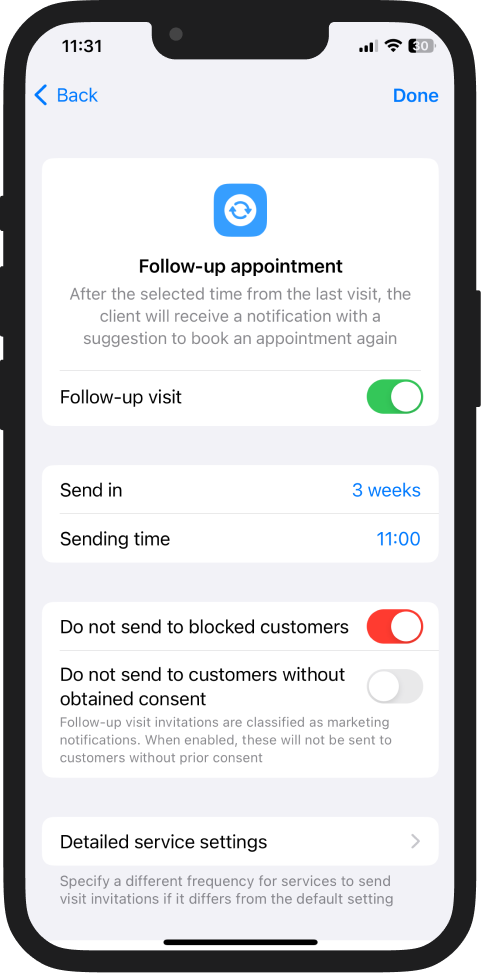
An automatic reminder to book again after a specified period of time. In "Follow-up appointment", you can configure an individual notification sending interval for each service. Helps maintain visit regularity and increases client retention.
📖 Follow-Up Appointment Invitation